
Connect a local MCP server to claude.ai, Claude Desktop and Claude Code
Once mcpwarp up prints a URL for your server, add it to Claude as a remote MCP server and complete the OAuth sign-in when prompted.
Why localhost doesn’t work
Section titled “Why localhost doesn’t work”When you add a custom connector on claude.ai or in Claude Desktop, Claude calls your server from Anthropic’s servers, not from your computer. Those servers can’t reach your machine, so Claude rejects http://localhost URLs. MCP Warp gives your local server a public HTTPS URL that Anthropic’s servers can reach. See Anthropic’s custom connectors guide.
claude.ai (web) and Claude Desktop
Section titled “claude.ai (web) and Claude Desktop”Add a custom connector / remote MCP server and paste the URL from your mcpwarp up table. Complete the OAuth sign-in when prompted — this is the standard MCP OAuth flow, and it authorizes that specific Claude account against that specific server.
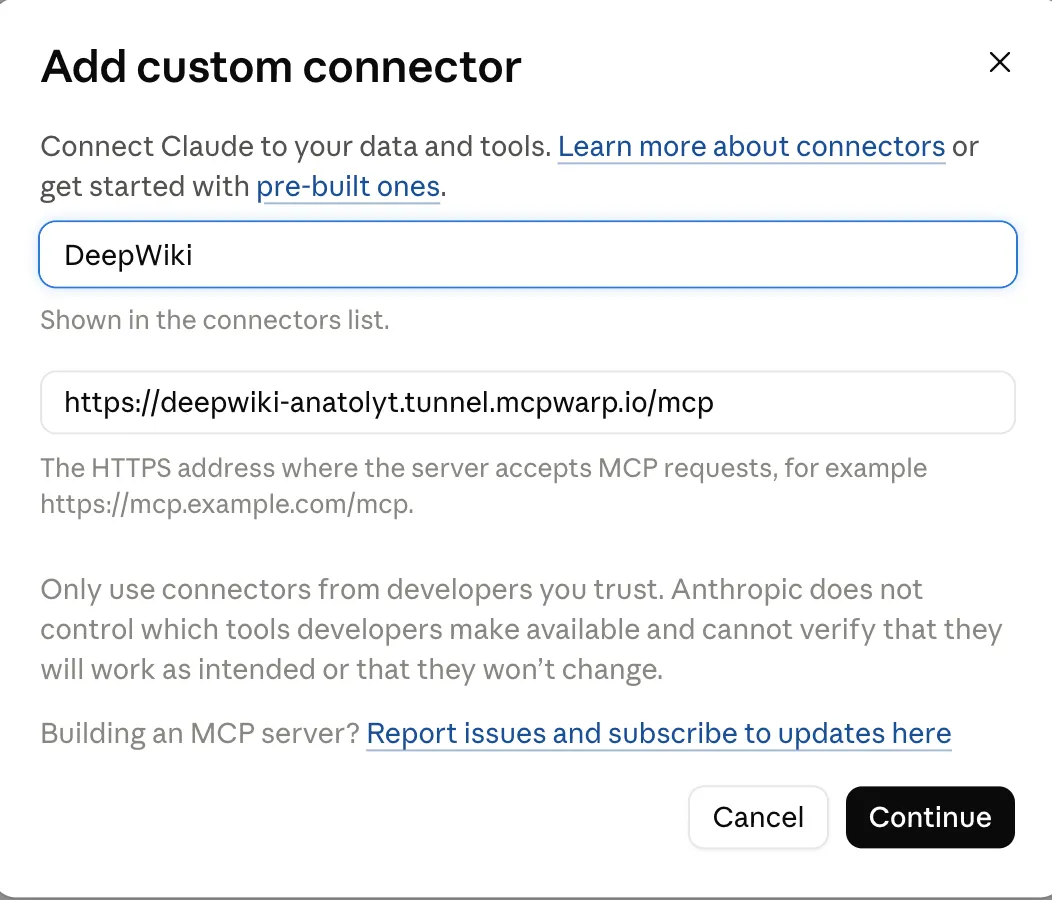
On claude.ai, the Add custom connector dialog first asks for a name and your server’s *.tunnel.mcpwarp.io/mcp URL:
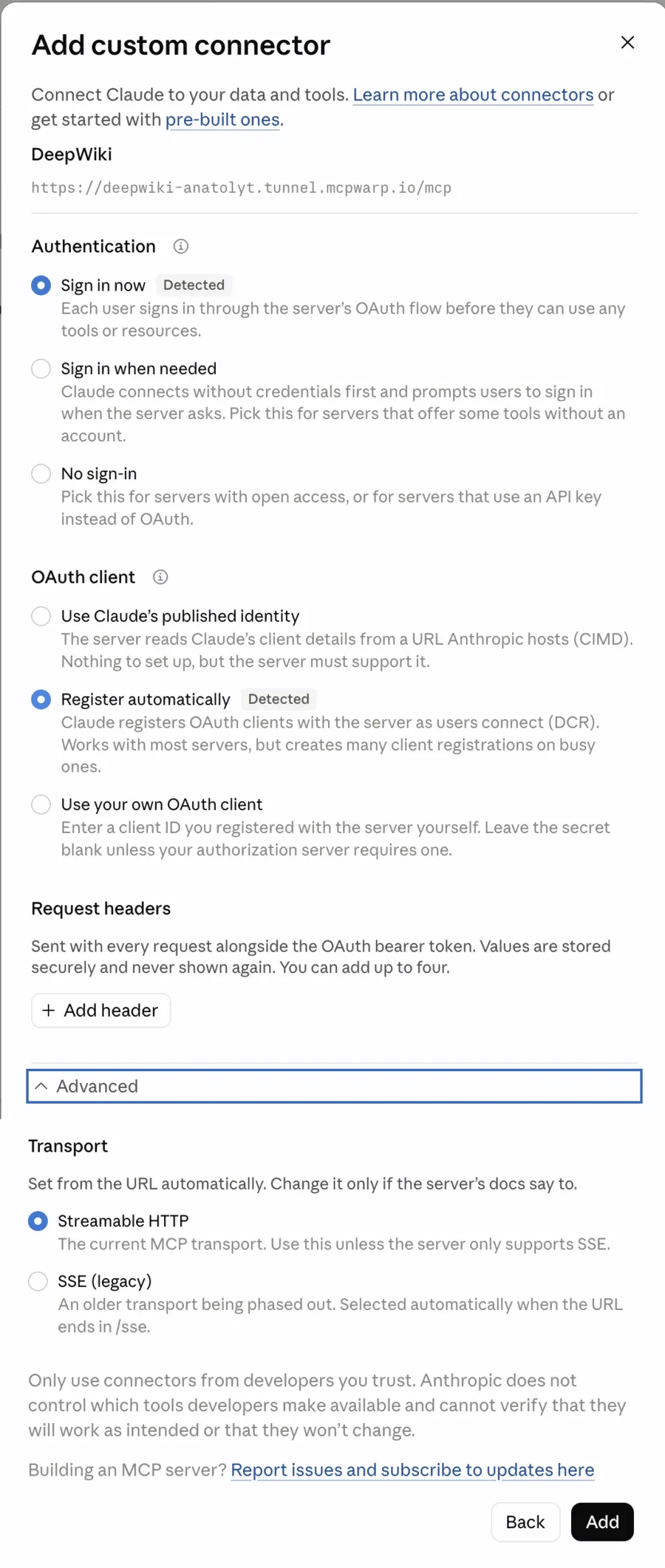
After Continue, claude.ai detects OAuth and dynamic client registration from the URL, so “Sign in now” and “Register automatically” are already selected; keep them and click Add:
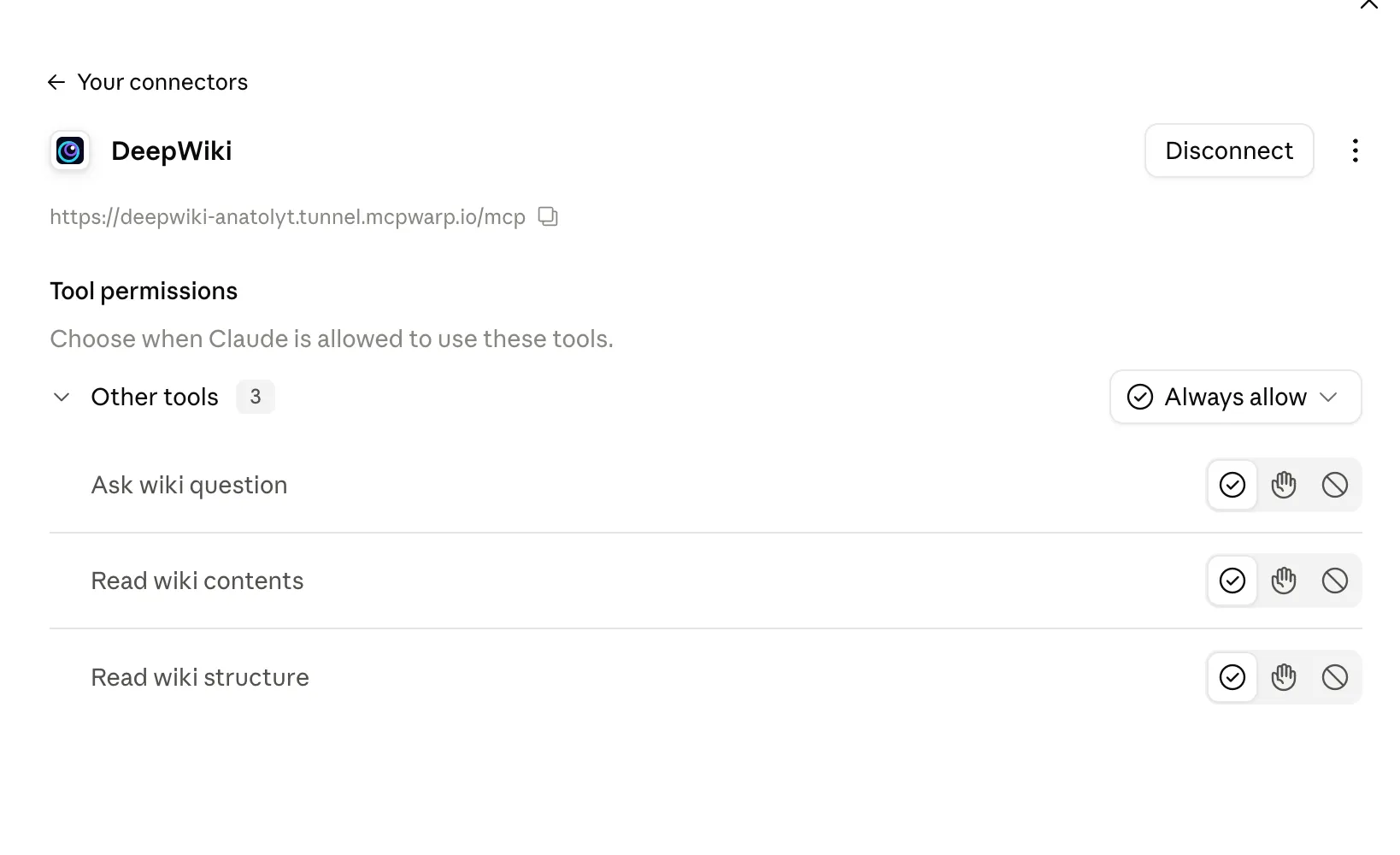
Once you finish the OAuth sign-in, the connector page shows your MCP Warp URL and the server’s tools, each with its own permission setting:
Claude mobile app
Section titled “Claude mobile app”Connectors you add on claude.ai or in Claude Desktop are available in Claude for iOS and Android the next time you sign in there, according to Anthropic’s connectors guide. Add your MCP Warp URL on the web first, then use it from your phone.
Claude Code
Section titled “Claude Code”Use claude mcp add with the HTTP transport:
claude mcp add --transport http <name> <url>For example:
claude mcp add --transport http notes https://notes-anatoly.tunnel.mcpwarp.io/mcpThen authenticate: run /mcp inside a Claude Code session and pick the server, or run claude mcp login notes from your shell. Either one starts the OAuth sign-in.
MCP Warp isn’t certified by Anthropic — it’s built to work with Claude (claude.ai, Claude Desktop, Claude Code) as a standard Streamable HTTP MCP client.